1. Install the app
Download the package for your platform above and open it. On macOS, drag DocBlocks to Applications. On Windows, run the installer. On Linux, install the Debian package or make the AppImage executable and launch it.
 Open the web editor
DocBlocks Desktop
Bring DocBlocks to macOS (Apple silicon), Windows, or Linux. Write visually, keep ordinary Markdown files in your own folders, and turn them into documents, slides, and web pages. Start with the editor, then add optional AI and speech tools when they help your work.
Downloads
These installers come from the latest release on GitHub (the latest version). You can also view the release notes or browse every version.
Finding the latest installers…
We couldn’t load the download list automatically. Open the latest release on GitHub to grab an installer for your platform.
macOS downloads are for Apple silicon with macOS 12 or later. DocBlocks 2.7.1 is the final version for Intel Macs; Intel Macs that already have DocBlocks update to it automatically. Optional built-in AI and dictation require macOS 13.3 or later; read aloud requires macOS 14. On Linux, built-in AI and dictation require glibc 2.38 or later, such as Ubuntu 24.04 or Debian 13. Older systems can still edit and export documents, with those native features unavailable. Choose the Windows or Linux package that matches your computer. For browser, VS Code, and mobile options, compare the DocBlocks apps.
Your first document
No DocBlocks account is required. If you already use the web editor, the writing tools will feel familiar; the desktop app saves directly to your chosen folder.
Download the package for your platform above and open it. On macOS, drag DocBlocks to Applications. On Windows, run the installer. On Linux, install the Debian package or make the AppImage executable and launch it.
Launch DocBlocks and choose Open a folder. Pick a notes folder or project, then open a document in the file pane or choose New file. The starter tutorial is available in the app’s default workspace.
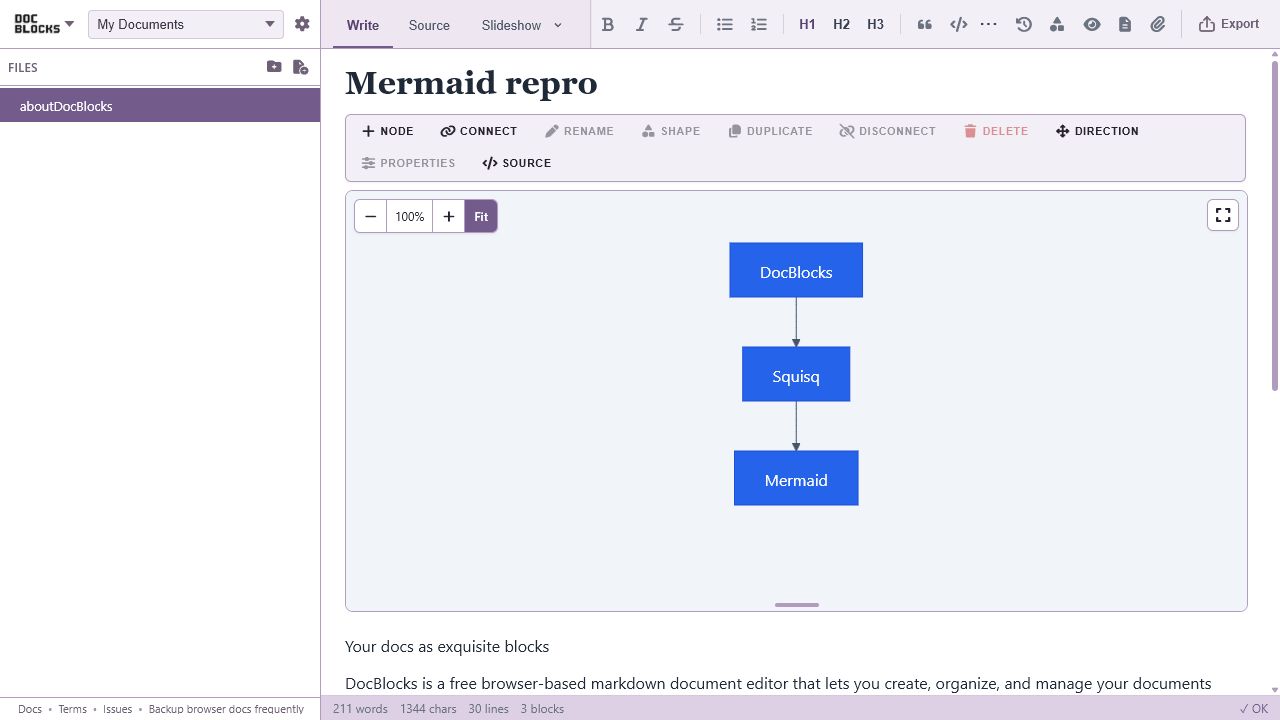
Add a heading in Write and inspect it in Source. Edits save automatically. Try a preview, then use Export and share to create a PDF, Word document, slide deck, or web page.
One editor, native capabilities
Keep your notes beside your project, use your usual backup tools, and open the same files in VS Code or another editor. DocBlocks adds visual writing and publishing tools while your source stays readable Markdown.
Open the folders you want to work in. Markdown and media stay there, with automatic saving and visible messages when a save fails or another app changes your document.
Move between rich visual editing, raw Markdown source, and Play views for documents, slideshows, pages, and video-oriented presentation.
Turn one Markdown document into PDF, Word, PowerPoint, HTML, and other supported formats while keeping the original readable and version-control friendly.
More ways to work
The editor works without AI or speech setup. Available tools depend on your device and installed models; Settings shows what is ready and any downloads you can choose.
Open Settings → AI assistance, enable Use AI features, and select a ready model. Ask for writing suggestions or diagrams, then review them before inserting. AI is off by default, and model downloads start only on request.
Where speech is available, open Settings → Speech to download a dictation model or narration voices. Use the microphone to dictate or read aloud to listen back. Speech runs on your computer.
Export Markdown with its media, or a DBK bundle, from the web editor and open it in Desktop. Browser workspaces stay in that browser; installing the desktop app does not automatically move or sync them.
Try DocBlocks in your browser, edit inside VS Code, or automate with the CLI and MCP server. Your Markdown can move with you.