Start immediately
Create a document at docblocks.com and move between visual writing, raw Markdown, Play views, media, and export without registering an account.
 Open the web editor
DocBlocks Web
Open DocBlocks and start writing—no account, installer, or cloud workspace. Documents stay in browser storage or folders you explicitly grant, while visual editing, Markdown source, Play views, and export remain close at hand.
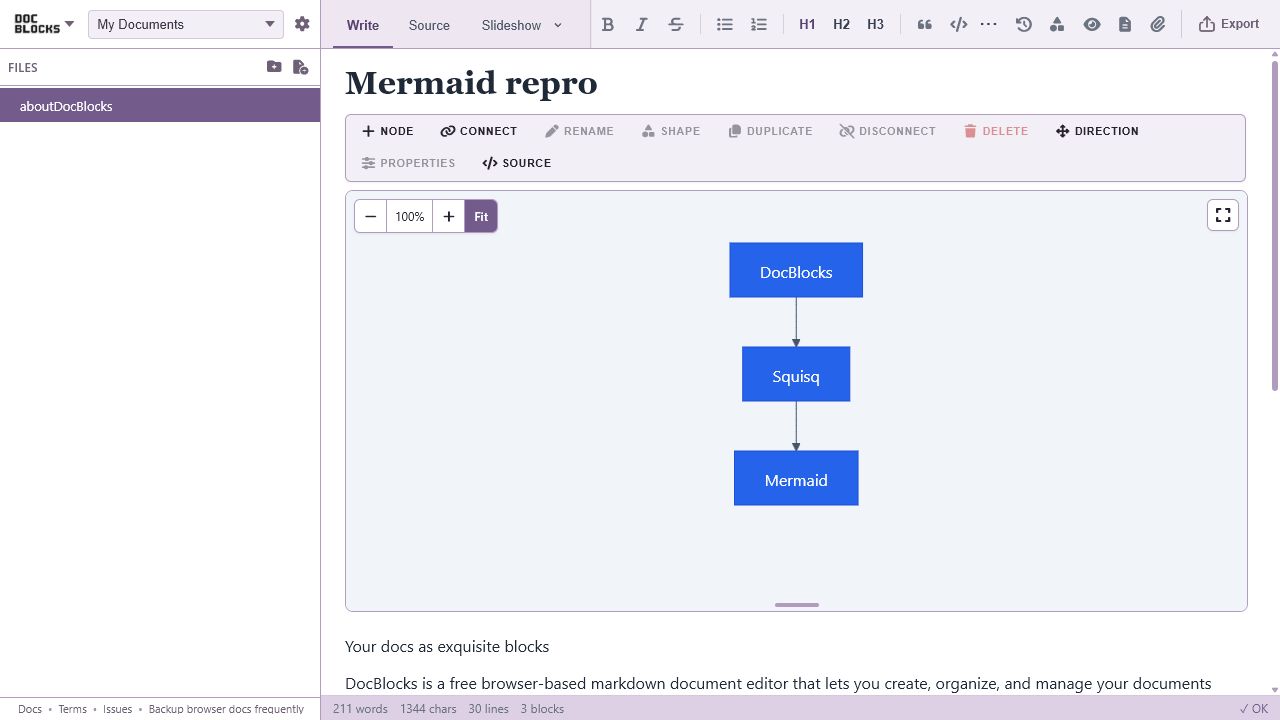
No setup required
The web and desktop apps share the same focused editor shell. The browser version keeps authority narrow: documents stay on your device, and local folders are visible only after you choose and grant them.
Create a document at docblocks.com and move between visual writing, raw Markdown, Play views, media, and export without registering an account.
Use a browser-local workspace for convenience or, in supported browsers, open a folder you control. Your source remains plain, portable Markdown.
Open the DocBlocks dropdown and choose Install DocBlocks… when your browser offers it. Launch or pin the installed web app from your desktop, dock, or taskbar. It uses the same browser profile and workspaces; the separate desktop app opens files directly in your own folders.
An honest sandbox
Local-first does not make browser storage indestructible or grant the site unrestricted filesystem access. DocBlocks makes those limits visible so you can choose the right surface and keep durable copies of important work.
A browser may clear site data under storage pressure or when you clear its profile. Request persistent storage in Settings when available and download backups regularly.
Direct local-folder access depends on browser support and explicit permission. You may need to grant access again after restarting or when browser permissions change.
The sandbox does not provide unrestricted operating-system, shell, or repository access. Choose Desktop when native folders and OS integration are central to the job.
Download DocBlocks for macOS (Apple silicon), Windows, or Linux for native folders, menus, and optional AI and speech tools. Export your browser documents as Markdown with media or a DBK bundle to bring them with you; workspaces do not sync automatically.